Making immigration resources more accessible and legible using Google Gemini.
Context
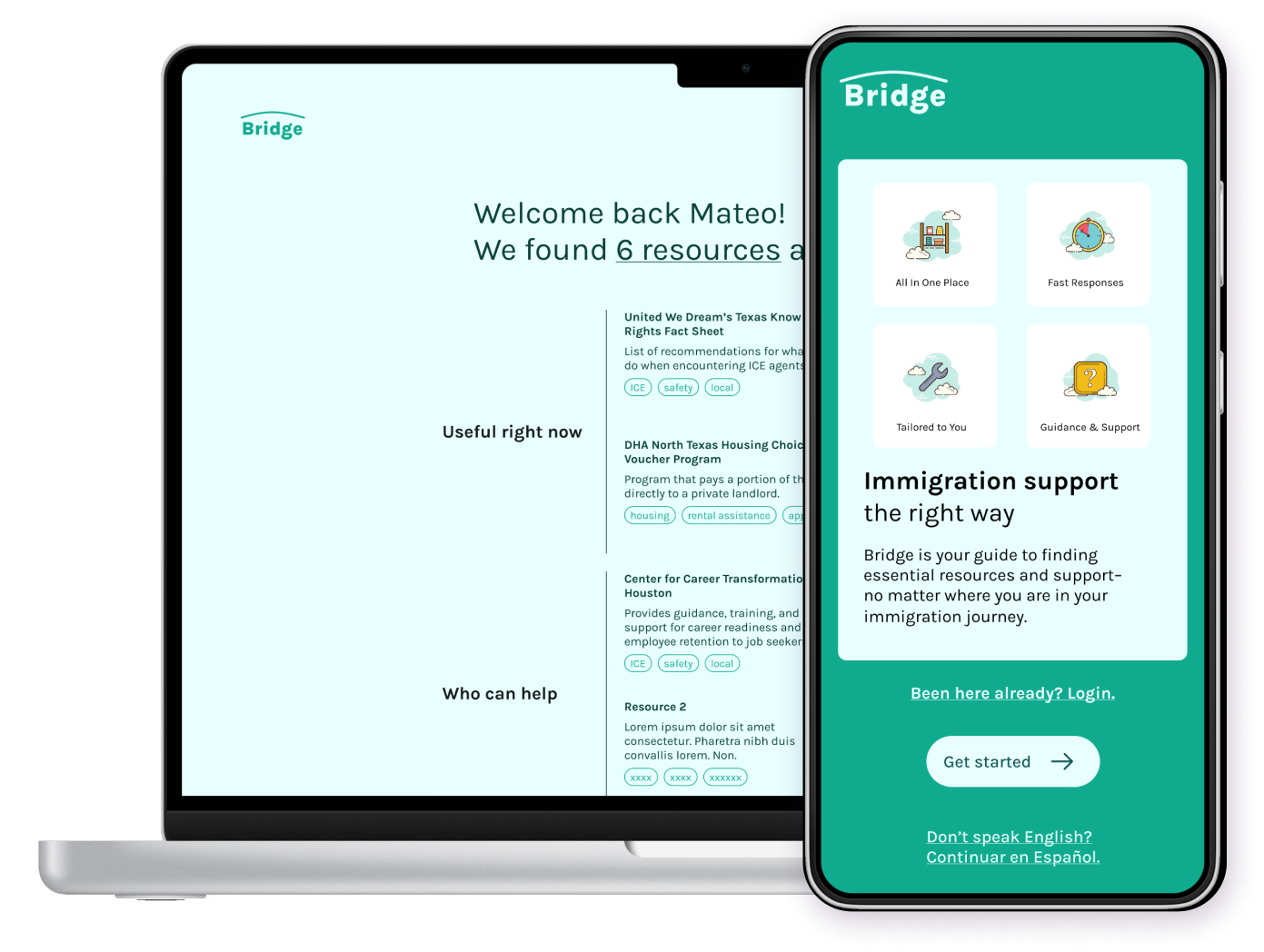
Bridge was developed as part of Google's Gemini AI hackathon in spring of 2024. Our team saw opportunities to ease the burden of sifting through the large number of immigration resources in several core ways:
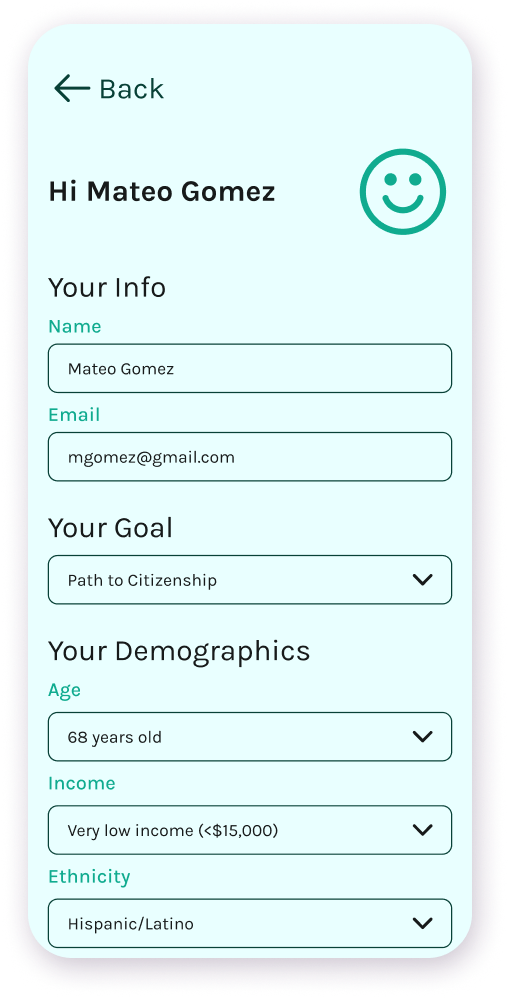
- Fine tuning resources to relevant user demographics
- Cutting down on time spent wading through information by summarizing resource content
- Collecting resources from multiple locations in one place
My Role
▸
UX Research and Product Design
concepting features, usability testing, journey mapping, user flows
▸
Visual Design and Branding
color, typography, imagery, tone
Ideation and Background
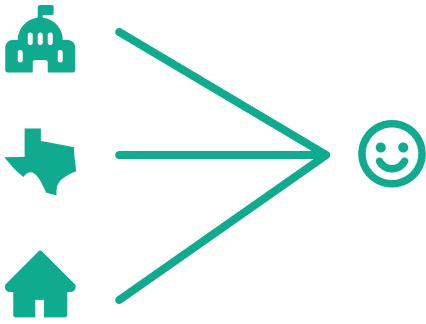
Information comes from all angles.
Bridge collects federal, state, and local resources all in one
place, so users can feel confident they have eyes on all of their
options.
Understanding all the options is difficult.
In a survey by the LA Times and the Kaiser Family Foundation, a
significant number of participants–regardless of immigration
status–expressed confusion or fear about their options
45%
say they don’t have enough information to understand how U.S. immigration laws affect them and their families
26%
say they worry they or a family member could be detained or deported.
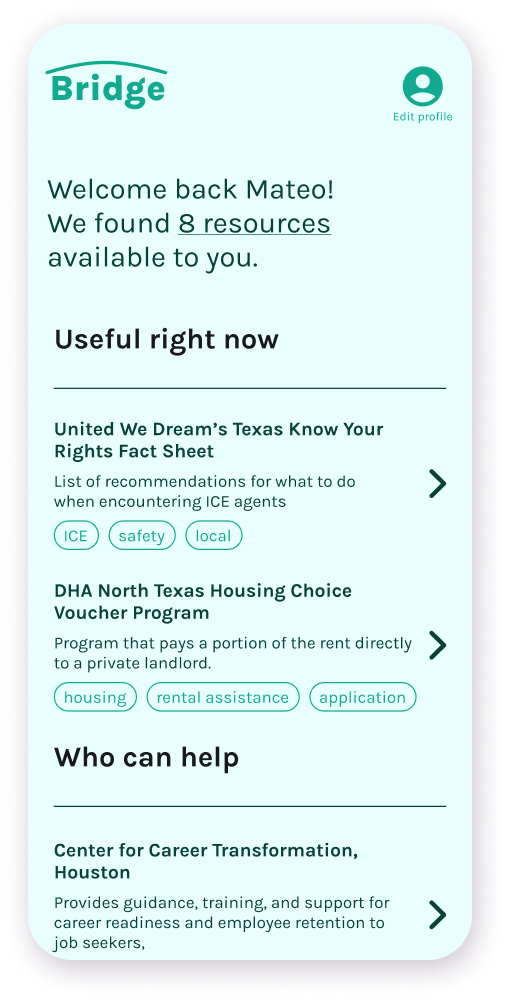
Bridge summarizes each resource so that users don’t have to spend time looking through pages of often complex language to get an understanding of what the resource is about.
Powered by Google Gemini
Natural Language Processing and Multi-Lingual Support
Bridge uses plain language to communicate with users in a
straightforward, friendly way. Since our users are often speak
English as a second language, having the ability to easily translate
text is invaluable.

Content Summarization
Gemini can summarize the jist of a lengthy document filled with
complex legalese, freeing up users to spend more time on what
matters.
Webpage Scraping
Gemini can quickly parse multiple pages of an organization's
website and pull only the relevant information for the user.
Features and Flow
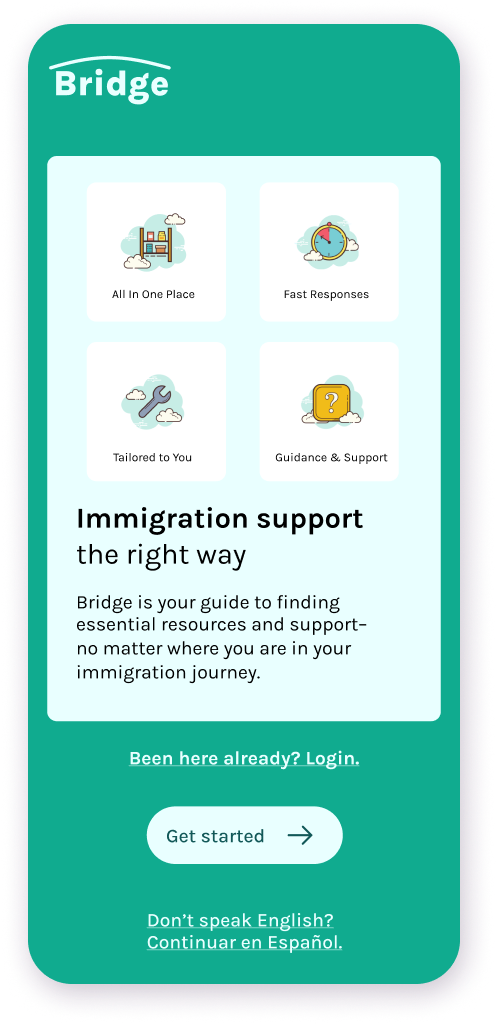
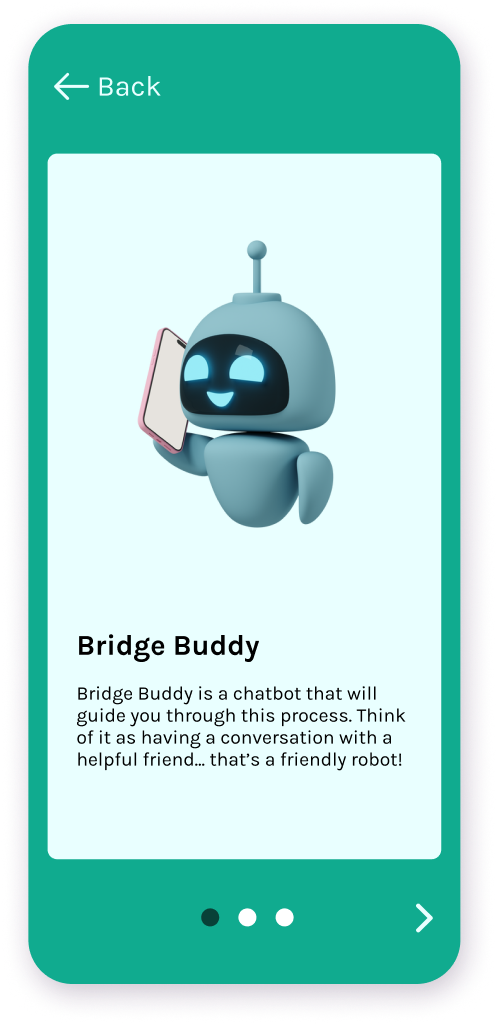
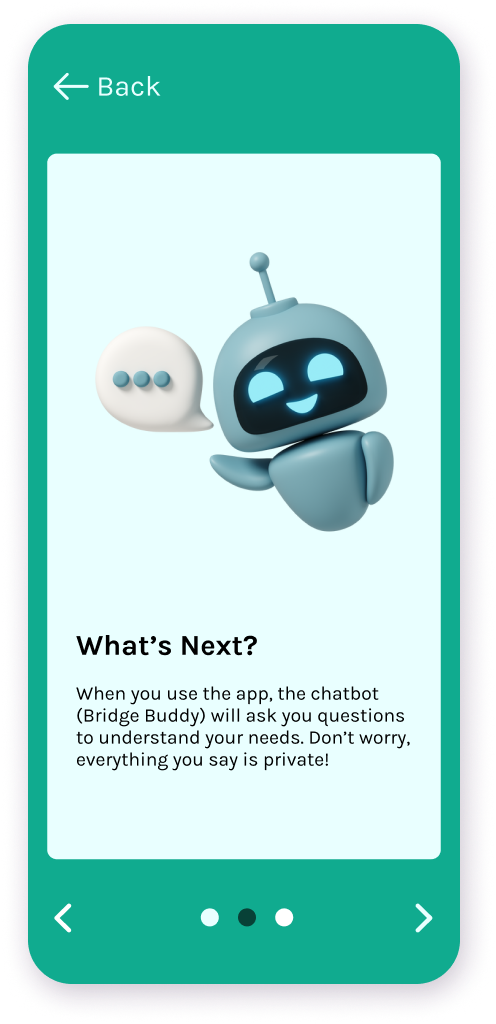
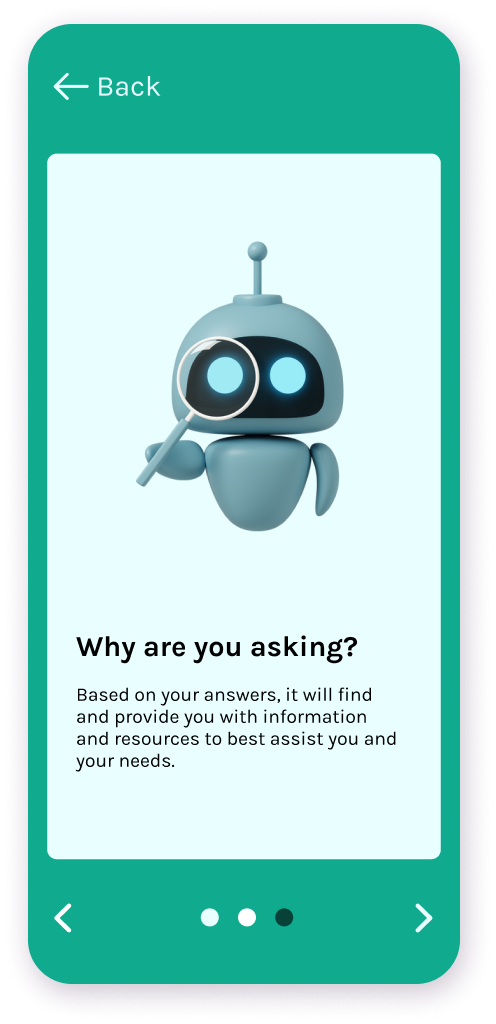
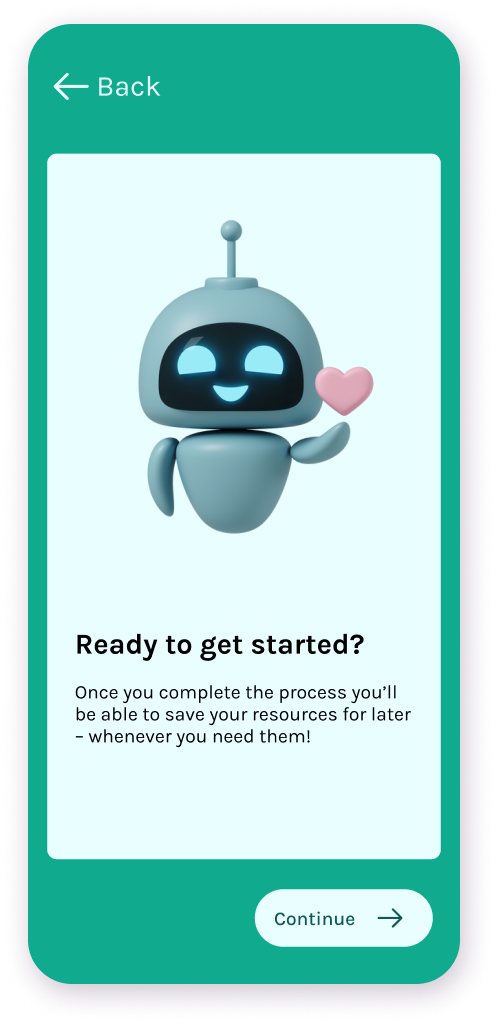
User Onboarding
Bridge's user flow begins with a brief onboarding that introduces
Bridge Buddy, describes feature functionality, and emphasizes user
privacy.
Status Determination
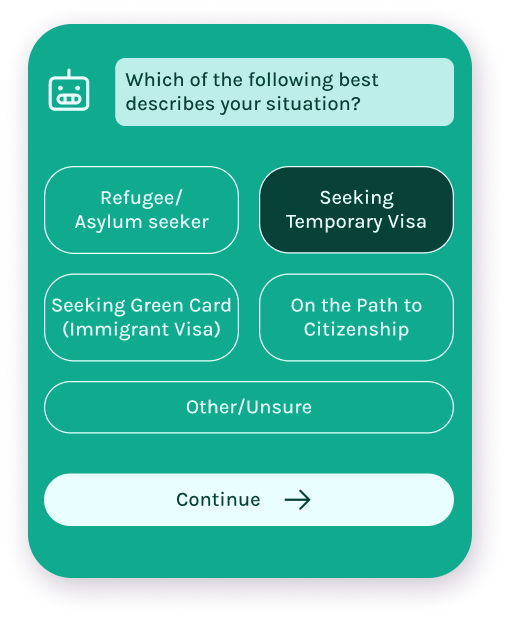
Users will directly select what stage they are in on their
immigration journey. This helps to clarify their goals and
determine their eligibility for certain programs.
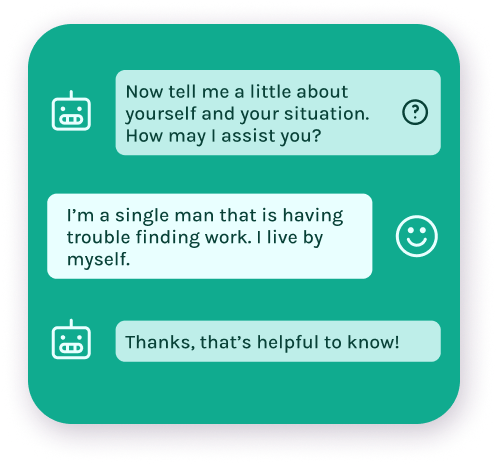
User Story
Bridge takes the user's plain language story and prioritizes
resources based on their unique situation. In this case, Bridge
would bump job training and employment related resources to the
top of the list.
Tailored Resource Summary
Returned resources to the user are automatically categorized and
display a tailored summary of the resource depending on its contents.
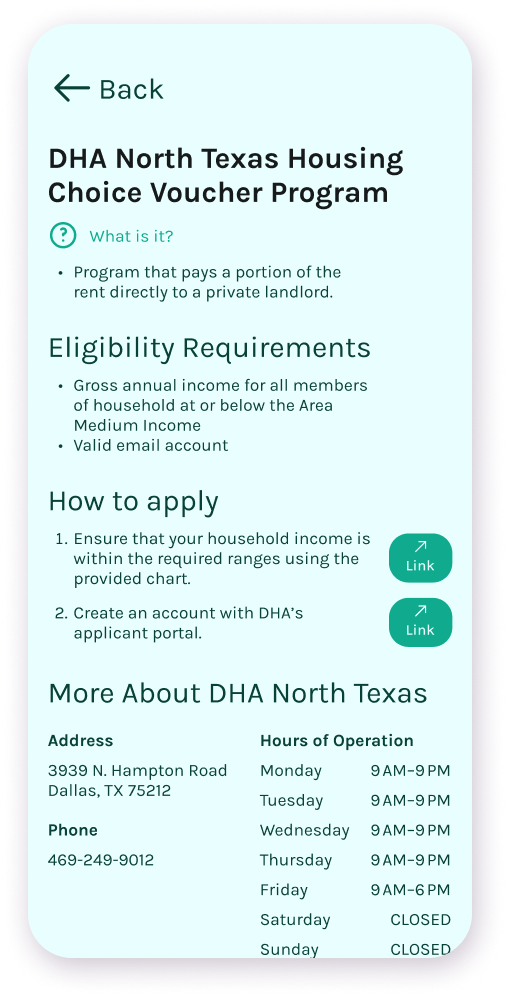
Resource that requires an application to access
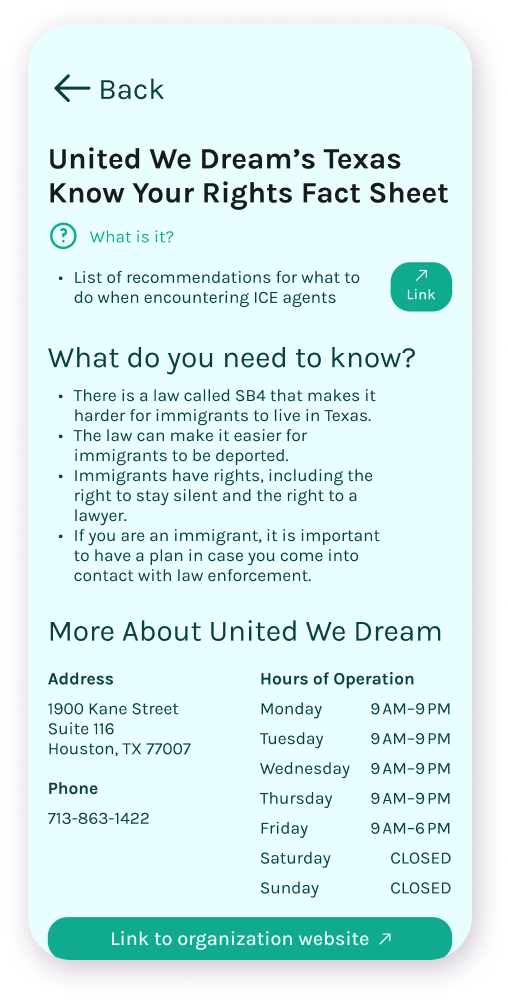
Purely informational resource; e.g. fact sheets
Optional User Profile Creation
Once users have completed the flow and are shown results, they are
given the option to save their demographics to a profile for easy
access later on.